
 Contatto
 Come acquistare
Consegna
Guida all'acquisto
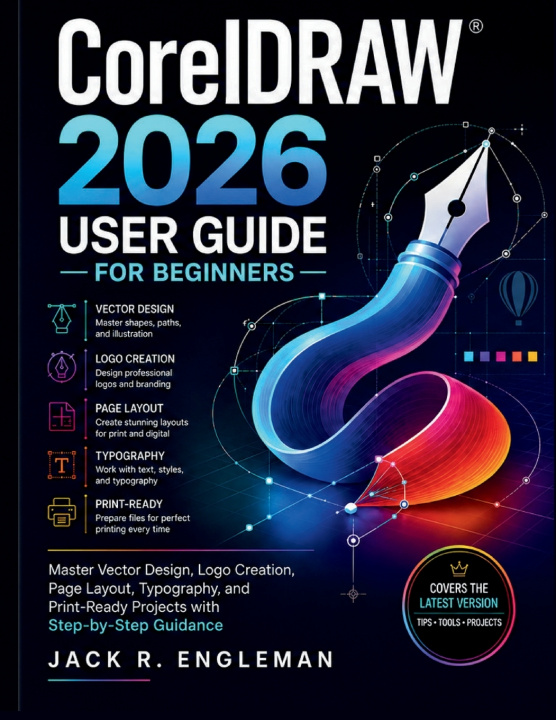
CorelDRAW 2026 User Guide for Beginners
Master Vector Design, Logo Creation, Page Layout, Typography, and Print-Ready Projects with Step-by-Step Guidance
 Inglese
 47 b
47 b
 In preparazione
 Nuovi
Nuovi
Fino a 30 giorni per il reso

Creating professional designs in CorelDRAW begins with understanding how its tools work together-not simply knowing where the buttons are.
CorelDRAW 2026 gives you a powerful environment for vector illustration, logo design, typography, page layout, color, creative effects, and professional print production. But with so many drawing tools, dockers, nodes, fills, color options, effects, and export settings, getting comfortable with the complete workflow can feel overwhelming.
CorelDRAW 2026 User Guide for Beginners provides a practical, step-by-step path from installation and workspace navigation to creating precise vector artwork, designing logos, organizing complex projects, and preparing polished files for professional output.
Inside this guide, you'll learn how to:
- Get Started with Confidence: Install and activate CorelDRAW Graphics Suite 2026, understand the workspace, navigate the Toolbox and Property Bar, work with dockers, and customize your working environment
- Master Vector Drawing & Editing: Create rectangles, ellipses, polygons, stars, lines, and curves; work with the Bezier and Pen tools; edit nodes; smooth curves; and precisely size and position objects
- Work with Color, Fills & Outlines: Apply uniform, fountain, pattern, texture, and mesh fills; control outlines; use RGB and CMYK color modes; work with palettes and Pantone spot colors; and prepare colors for screen or print
- Create Logos & Work with Typography: Format Artistic and Paragraph Text, fit text to paths, manage fonts with Corel Font Manager, build logo concepts with shapes and curves, apply color, and export finished logo artwork
- Organize & Transform Complex Artwork: Manage objects and layers, align and distribute elements, group and combine objects, use Boolean shaping operations, create reusable symbols, and manage multi-page documents
- Trace, Enhance & Explore Creative Effects: Convert bitmap artwork with PowerTRACE, refine traced curves, apply shadows, contours, blends, envelopes and extrusions, and explore AI-assisted background removal and image tools
- Prepare Professional Print-Ready Projects: Set up bleed and crop marks, check color separations, export multiple assets, create print-ready PDFs, choose appropriate PDF presets, and complete a final prepress check before output
The guide is structured for both step-by-step learning and quick reference, so you can work through it from beginning to end or go directly to the tool, technique, or workflow you need. Quick-reference appendices covering the Toolbox, keyboard shortcuts, troubleshooting, and terminology make it useful long after your first project.
Stop jumping between scattered tutorials every time you need to complete a design task. Build the practical CorelDRAW skills you need to draw, edit, organize, design, and prepare professional projects with greater confidence and control.


Informazioni sul libro
Inglese
