
 Contatto
 Come acquistare
Consegna
Guida all'acquisto
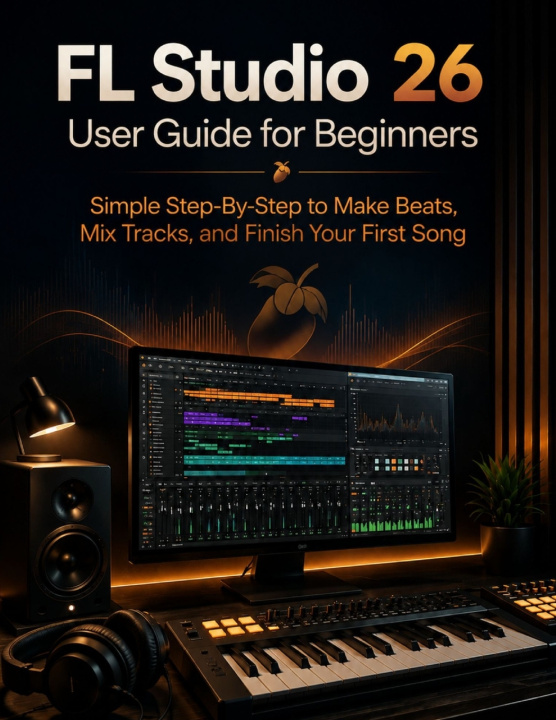
FL Studio 26 User Guide for Beginners
Simple Step-By-Step to Make Beats, Mix Tracks, and Finish Your First Song
 Inglese
 47 b
47 b
 Nuovi
Nuovi
Fino a 30 giorni per il reso

Your copy of FL Studio has been open more nights than you'd like to admit and you still haven't finished a single song.
You didn't buy FL Studio to spend your first few weekends fighting with software. But that's exactly what happens to most beginners: you open the program, stare at three unfamiliar panels, click around, watch a few tutorials that assume you already know what a "send" is, and somehow end up further from finishing a song than when you started.
FL Studio 26 User Guide for Beginners is the independent, unofficial, step-by-step roadmap that finally closes that gap not by listing every feature FL Studio has, but by walking you through exactly what you need, in the exact order you need it, to go from a blank project to a finished, polished track.
Inside, you'll learn how to:
- Set up FL Studio 26 the right way - audio drivers, MIDI keyboard connection, buffer size, and sample rate, so you never fight crackling or latency again
- Program your first beat in under 30 minutes using the Channel Rack and step sequencer
- Write real melodies and chords in the Piano Roll - even if you don't read music
- Turn a loop into a full song structure with proper arrangement in the Playlist
- Mix and route tracks with confidence - gain staging, sends vs. inserts, and grouping
- Apply automation and stock effects to add movement and polish without overprocessing
- Use intermediate mixing techniques like sidechain compression to make your kick and bass finally sit together
- Record and edit vocals without audio interface headaches
- Export and master a track that sounds professional on every streaming platform
- Troubleshoot the most common FL Studio errors and crashes plugins not loading, CPU overloads, crash recovery
- Expand your sound with third-party plugins and VSTs the smart way
By the last page, you won't just understand what the buttons do. You'll have the confidence to open a blank project and actually finish a song you're proud of.
SCROLL UP AND CLICK "BUY NOW" TO STOP WATCHING SCATTERED TUTORIALS AND START FINISHING SONGS TODAY.


Informazioni sul libro
Inglese
Categorie

Regala questo libro oggi stesso
È facile
1 Aggiungi il libro al carrello e scegli la consegna come regalo 2 Ti invieremo subito il buono 3 Il libro arriverà all'indirizzo del destinatarioCiao! Sono Libroamiko, il tuo consulente di libri.
Come posso aiutarti?